Card-to-card transfers have become a familiar way for people to make payments. They are widely used to purchase goods, pay for services, and complete everyday transactions. However, scammers have learned to imitate successful payments using fake receipts, screenshots, and even interfaces designed to resemble genuine payment applications.
Click warns users about these fraudulent practices and explains how to verify that money has actually reached their account.
How do scammers fake money transfers?
One common scenario involves selling goods through social media, messaging apps, and online marketplaces. A buyer agrees to purchase a smartphone, household appliance, or another item and offers to pay by transferring money to the seller's bank card.
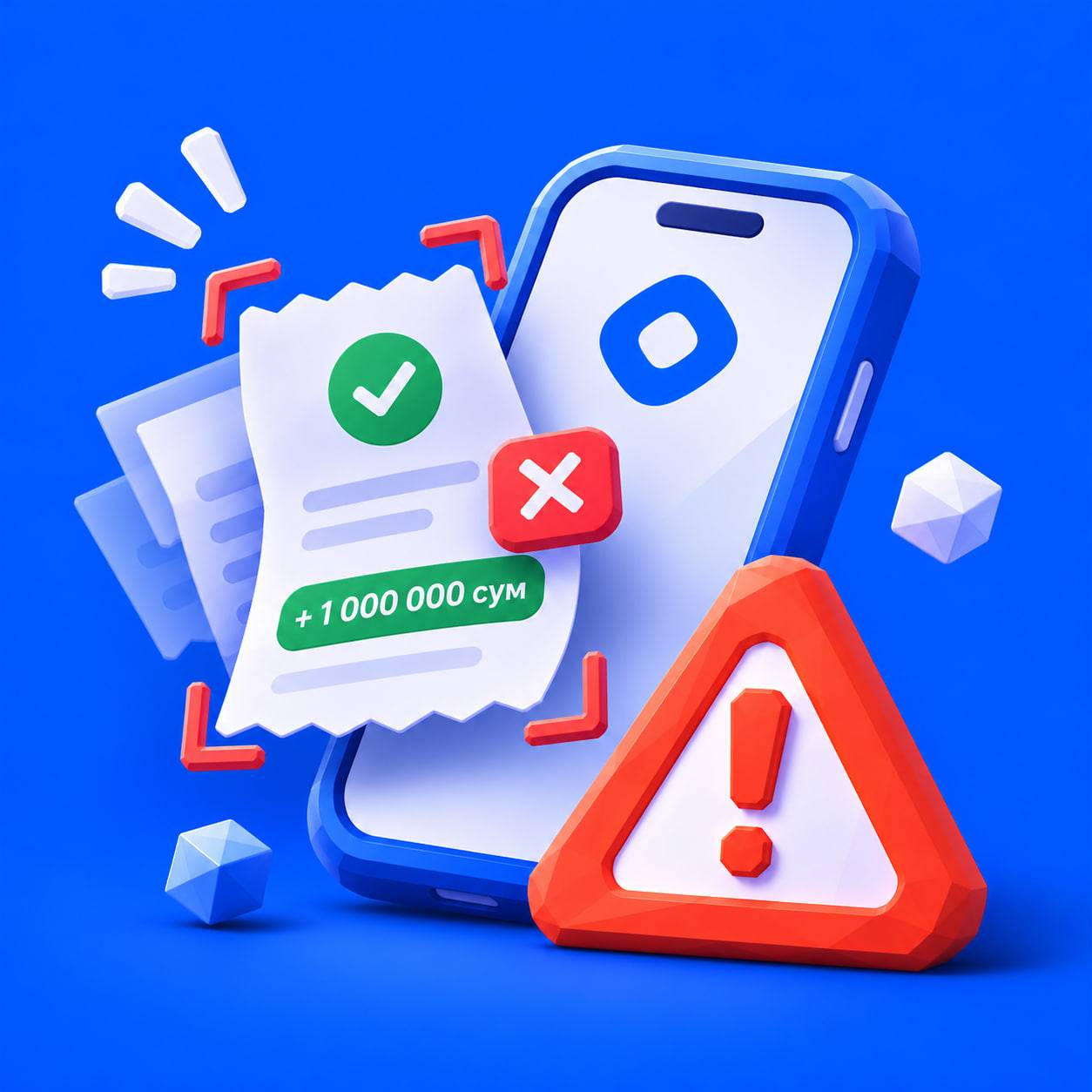
After receiving the card details, the scammer shows the seller a supposedly successful transfer on their phone or sends an electronic receipt. The image may include the amount, date, transaction number, logo, and other elements commonly found in genuine payment services.
In reality, the transfer may never have taken place. To create fake payment confirmations, scammers use image-editing software, specialized applications, and imitations of popular payment app interfaces.
This type of fraud relies on the seller's trust. After seeing a familiar logo and a message indicating that a transaction was successful, the seller hands over the goods without checking whether the money has actually arrived.
Such scams are not limited to expensive electronic devices. Fraudulent payment confirmations can be used in almost any transaction between private individuals.
How can you verify that the money has arrived?
The most important rule is to verify incoming payments yourself rather than relying on information shown by the sender.
Click recommends opening your own banking or payment application and checking your card balance, transaction history, and details of the incoming transfer.
Remember that a screenshot, electronic receipt, or another person's phone screen does not guarantee that funds have actually been credited to your account. Even an image that looks authentic and contains all the expected transaction details can be forged.
If the money does not appear in your account, do not hand over the goods or consider the transaction complete. In some cases, a transfer may take additional time to process, but the sender's confirmation of a successful transaction is not proof that the money has been received.
Be particularly cautious if a buyer pressures you to hurry, refuses to wait for payment confirmation, or insists that the funds will arrive later.
What should you do if you suspect fraud?
If a buyer presents a suspicious receipt or transfer confirmation, verify the transaction independently. If you have questions about a transfer made through Click, you can contact customer support at +998 71 231 08 80.
If the goods have already been handed over but the payment has not arrived, preserve all correspondence, the buyer's contact information, payment confirmations, and any other details of the transaction. This information may be useful when reporting the incident to law enforcement.
Click continuously improves its security mechanisms and fraud prevention tools. At the same time, the company reminds users that personal vigilance plays an important role in protecting their funds, particularly when making transactions with strangers.
Click reminds users: the reliable confirmation of payment is the actual receipt of funds in your account. Do not rely on screenshots or someone else's phone screen — always verify the payment yourself.